Exact Code to Check BVN on MTN in Nigeria (Easy Guide)
8 min read
84 reads
You are standing in front of a bank teller in Lagos, trying to fix an issue with your account. Then, they ask for your Bank Verification Number. You search your wallet, check your phone notes, and look through old text messages, but you cannot find it anywhere.
We have all experienced this exact situation. It is frustrating when you need this 11-digit number urgently. You do not need to panic or leave the banking hall just yet.
All you need is your mobile phone and the right USSD code. If you are using an MTN line, getting this number takes less than one minute. In this post, I will show you the exact code to check BVN on MTN, how much it costs, and how to avoid common errors.
What is the code to check BVN on MTN?
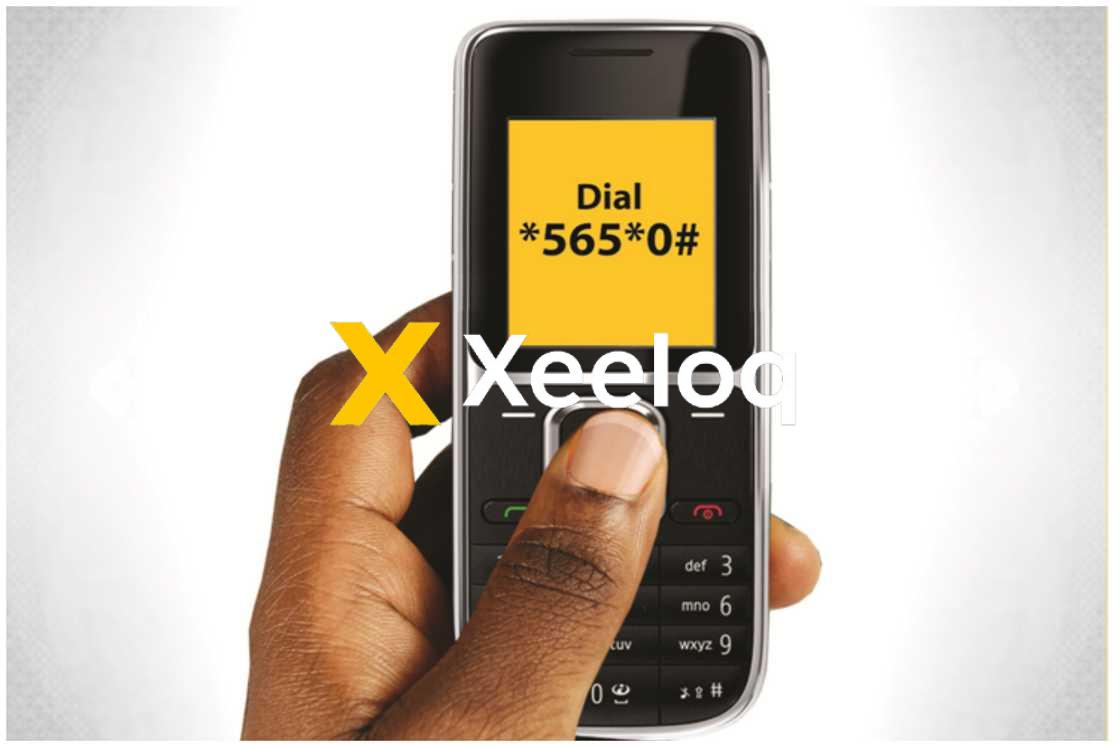
The short USSD code to check your Bank Verification Number on an MTN line is 5650#.
This simple string of numbers connects directly to the Nigeria Inter-Bank Settlement System (NIBSS). It retrieves your unique 11-digit number and displays it right on your phone screen.
You do not need an internet connection or a smartphone to use this. Whether you have an expensive iPhone or a small "palasa" button phone, the code works exactly the same way.
How does the code to check BVN on MTN work?
Checking your details is a very straightforward process. You only need to follow a few simple actions on your mobile device.
Step 1: Open the dialer app on your mobile phone.
Step 2: Type in the exact code: 5650#.
Step 3: Press the call button from your MTN line.
Step 4: Wait a few seconds for a message to pop up.
Your 11-digit number will appear on your screen. You should copy it out on a piece of paper immediately. You can also take a screenshot if your phone has that feature.
The number will not save automatically on your phone. If you clear the screen by mistake, you will have to dial it again and pay for another session.
Price and Cost: How much does it cost to check your BVN?
Checking your details is not free of charge. You will pay a standard service fee of 20 Naira every single time you dial the code.
This fee does not go entirely to MTN. It is a general charge set by the NIBSS for accessing their database. All mobile networks in Nigeria charge this exact same amount.
You must have up to 20 Naira in your main account balance. Bonus airtime from tariff plans like Awuf4U or MTN BetaTalk will not work for this transaction.
If you have exactly 20 Naira or more, the network will deduct it immediately. If your balance is lower than that, the process will fail and you will get an error message.
Why it matters: Benefits of knowing your Bank Verification Number
Your 11-digit biometric number is your financial identity in Nigeria. You cannot do much in the banking sector without it. Here are the main reasons why keeping this number handy is very important.
Opening new bank accounts
You need this number to open any type of bank account today. Traditional banks like GTBank, Zenith, and Access Bank require it.
Digital banks and fintech apps like Opay, Moniepoint, and Kuda also demand it. You cannot even create a tier-1 wallet on most apps without verifying your identity through this system.
Accessing quick loans
Getting a quick loan online requires proper identification. Loan apps like Fairmoney, Carbon, and PalmPay will always ask for your biometric number.
They use it to check your credit history and ensure you do not owe other banks. Supplying the right details increases your chances of getting a loan approved quickly.
Securing your funds from fraud
This system was created to protect your money. Because it is tied to your fingerprint and face, it stops fraudsters from opening fake accounts in your name.
If someone tries to steal your identity, the bank will notice the mismatch in biometric data. It keeps the entire Nigerian banking space much safer for everyone.
Features and Types of BVN Checks
Many people ask if there is a different code for different banks. The simple answer is no. There are no different types of codes based on where you opened your account.
Your number is universal. Whether you registered at First Bank in Abuja or UBA in Port Harcourt, you only have one unique number for life.
The 5650# shortcode is also universal. It works exactly the same way across all telecommunication networks in Nigeria, including Glo, Airtel, and 9mobile.
How to choose the right SIM card for the check
You cannot just pick up any MTN SIM card and dial the numbers. The system is very strict about security and phone numbers.
You must dial the code from the exact phone number you gave the bank during your biometric registration.
If you used an old phone number five years ago, that is the only line the system recognizes. Dialing the code from a brand new MTN line will only return an error saying your number is not linked to any account.
If you have lost the SIM card you used for registration, you cannot check your details via USSD. You will need to do a SIM retrieval at an MTN office or visit your bank to update your phone number.
Common mistakes people make when checking their details
People often run into issues when trying to get their numbers. Most of these problems are very easy to fix. Here are the most common mistakes and how to avoid them.
Having insufficient airtime balance
Many people try to run the check with zero airtime on their phone. The network will block the request immediately. Always check your main balance by dialing *310# to ensure you have at least 20 Naira.
Using the wrong phone number
Some people forget which line they used during registration. They keep dialing the code on their current line and getting frustrated. Always confirm which specific phone number is attached to your bank account.
Rushing and typing wrong numbers
It is very easy to mix up numbers when you are in a hurry. Some people type 5560# instead of the correct digits. Take your time to type it correctly before pressing the call button.
Ignoring network glitches
Sometimes the MTN network or the NIBSS server might be down. You might dial the exact code, have enough airtime, and still get a blank screen. The best thing to do is wait a few hours and try again later.
Keep your details safe from scammers
Now that you know how to retrieve your number, you must learn how to protect it. Scammers are always looking for ways to steal people's money.
Never give this 11-digit number to strangers over the phone. Real bank workers will never call you to ask for it.
Do not type it into random websites promising free money, jobs, or government grants. Keep it as secret as your ATM card PIN.
Frequently Asked Questions (FAQs)
Can I use the code to check BVN on MTN for free?
No, it is never free. You must pay a standard fee of 20 Naira from your main airtime balance every time you dial the shortcode.
Will the code work if my MTN SIM is not linked to my bank?
No, it will not work. You can only retrieve your details using the exact phone number you used during your biometric registration at the bank.
Do I need an internet connection to use this code?
You do not need internet data or a smartphone. The USSD service works perfectly on any basic mobile phone, as long as you have a mobile network signal.
Is my money safe if the number shows on my phone screen?
Yes, displaying it on your own phone screen is completely safe. Just ensure no one else is looking over your shoulder to copy the digits down.
What should I do if the code gives me an error message?
Check if you have up to 20 Naira in your main account balance. Confirm you are using the correct registered SIM card. If everything is correct, wait a while and try again because it might be a general network issue.
Can I check another person's details using my phone?
No, you cannot. Your MTN line will only pull up the biometric data registered specifically to that phone number. You cannot use it to spy on friends or family members.